Autonomous game-asset foundry

Forge your game's entire asset set from a single idea.

Describe your world once. Every unit, building, effect and icon — one art direction, engine-ready. 2D · 2.5D · 3D.

One launch email, no noise. You're on the list.

The cast line

Idea to reality, end to end.

Same five steps, every asset. The hundredth matches the first.

  1. 01

    Describe

    World, style, rules. Written once.

  2. 02

    Forge

    Characters, buildings, effects, icons. All made to it.

  3. 03

    Choose

    Several takes each. The best one comes to you.

  4. 04

    Check

    Clean edges. Right proportions. Readable at ship size.

  5. 05

    Deliver

    Packed. Drops straight into your engine.

The output

What comes out of the forge.

Animating units · 3D models · icons · concept art. Different jobs, one art direction.
A roster, animating
Melee, caster, ranged. Four units, one hand. Each animating off its own sheet.
3D · live · turn it around yourself
drag to orbit · scroll to zoom
A real mesh, not a render. Textured, game-scale. Orbit it. Switch the shading.
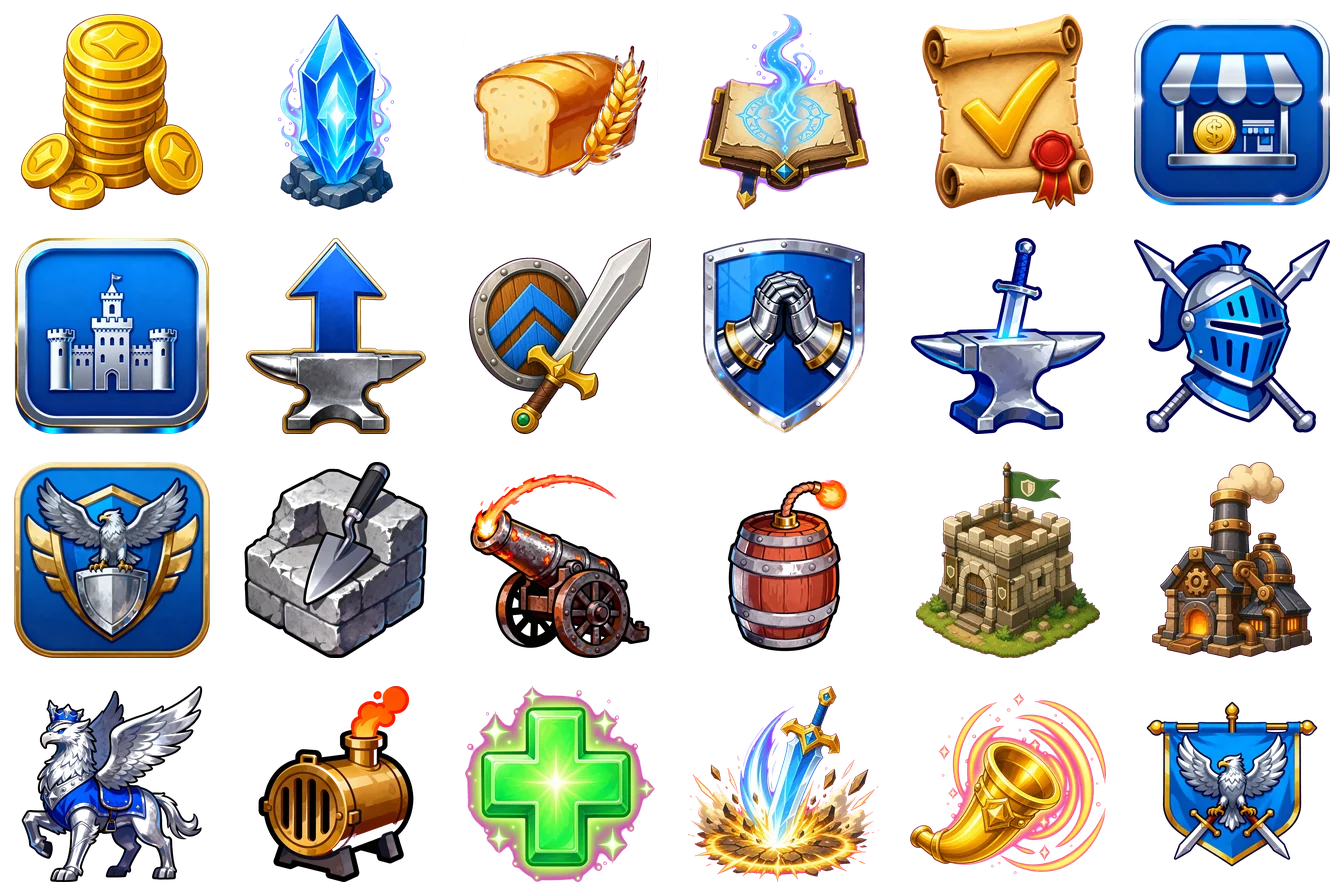
Icons · resources, tech, buildings, abilities
Twenty-four game icons — coins, gems, bread, a shield, an anvil, a cannon, a barracks, a healing cross — all in the same painted heraldic style
Two dozen icons, one world description. Different subjects, one hand.
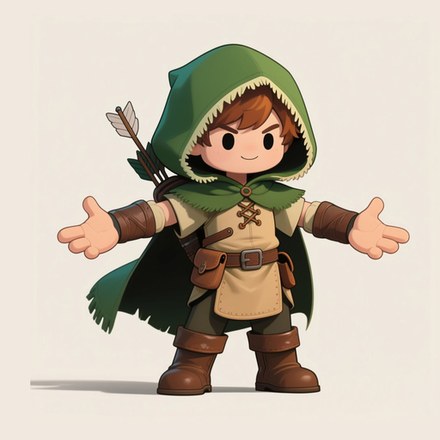
Concept art
Concept art of a chibi archer in a green hood
A character concept from one line of description.

Why Crucible

A whole art department in one pipeline.

One direction, every type

Characters · buildings · VFX · UI. One art direction. Your whole game looks like one hand made it.

Your world, locked in

Palette, camera, canon — set once. Everything after obeys it. Next year's content too.

2D · 2.5D · 3D

Flat sprites. 2.5D with depth and lighting. Full 3D meshes, rigged and animated. The 3D side runs end to end on our own models and our own GPUs.

Built game-ready

  • Power-of-two atlases
  • Clean alpha
  • Tileable seams
  • Valid normals
  • Readable at ship size

Checked before you see it

Held to a professional reference standard on the way out. What reaches you is work you can use, not a pile to sort.

Know where it came from

Every asset ships with its build record and licence terms. For the day legal asks.

What it forges

The full asset set — under one roof.

2D · 2.5D · 3D

  • Units & characters
  • Buildings & props
  • 2.5D normal + depth
  • VFX & particles
  • UI & icons
  • Tilesets & terrain
  • Crests & banners
  • Campaign backdrops
  • Voice & SFX
  • Upgrade tiers & variants

Two ways in

Work in the dashboard, or from your own agent.

Ask for an asset. Watch it come together. Download it. Or skip the browser: Crucible is an MCP server — Claude, Cursor or your own tooling drives it and hands you the files.
  • Dashboard — start a run, follow it live, approve the one you want, grab the bundle
  • Named assets — ask for a change in plain language and get the next version, history kept
  • Your keys, your projects — per-project keys and a record of everything that ran
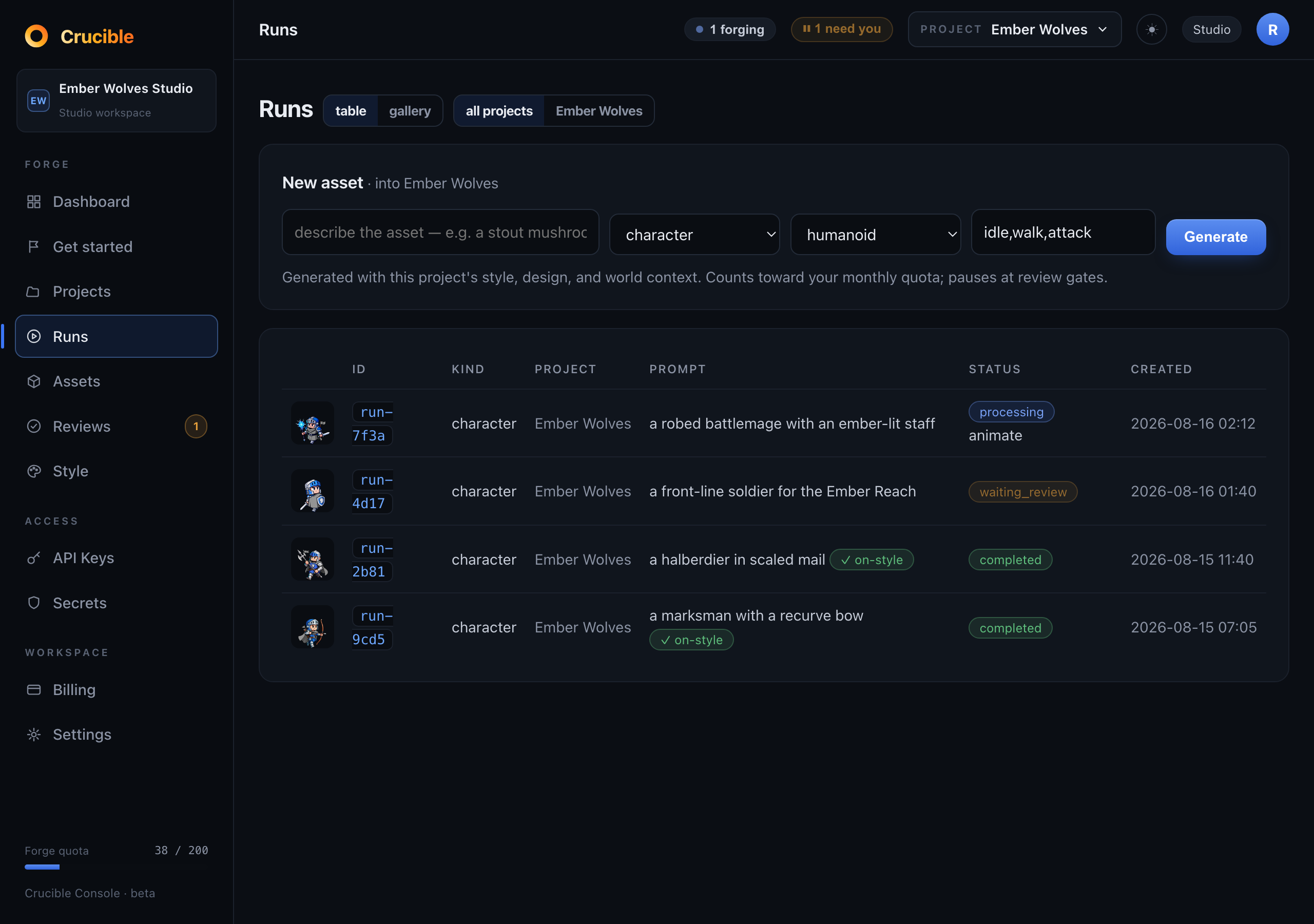
Dashboard · every run in one list
The Crucible console listing four asset runs with thumbnails, prompts, status and dates
What’s forging, what’s waiting on you, what’s done.
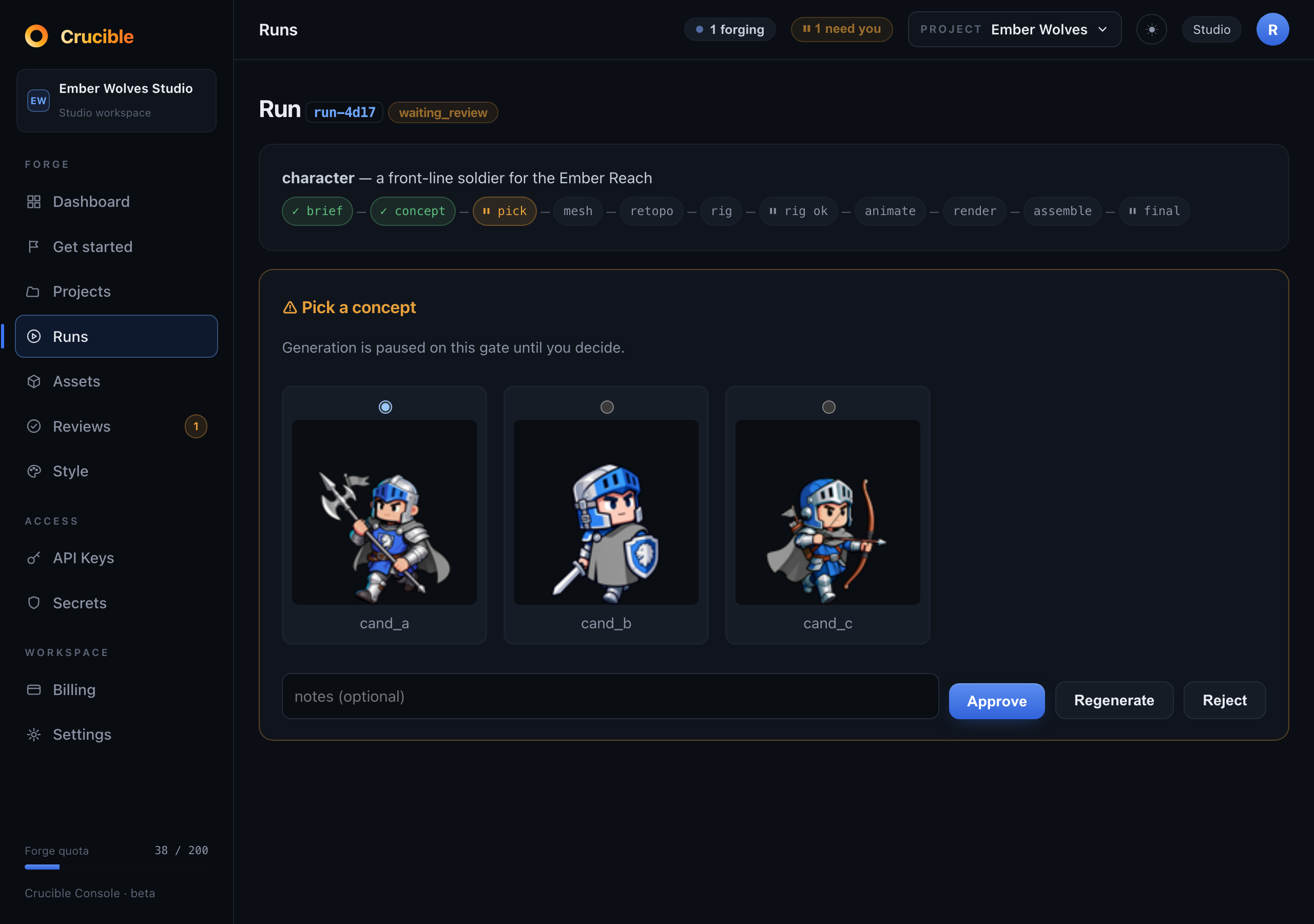
Dashboard · a run, paused for you
A run detail screen: the pipeline stages so far, and three concept candidates to approve, regenerate or reject
Stages done, stages left. Three takes — your call.

Console screens · sample workspace

  • create_asset
  • iterate_asset
  • get_asset
  • list_assets
  • create_run
  • get_run_status
  • list_runs
  • list_reviews
  • resolve_review
  • list_comments
  • download_version

Private beta forming

Be first to forge.

Coming soon from Erasmus Labs. You're on the list. We'll be in touch when the forge is lit.